Guides
CLAUDE.md and AGENTS.md for data repos: a template

CLAUDE.md and AGENTS.md for data repos: a template

Subscribe to our Newsletter
Get the latest from our team delivered to your inbox
Thank you! Your submission has been received!
Oops! Something went wrong while submitting the form.
Ready to get started?
Try It Free
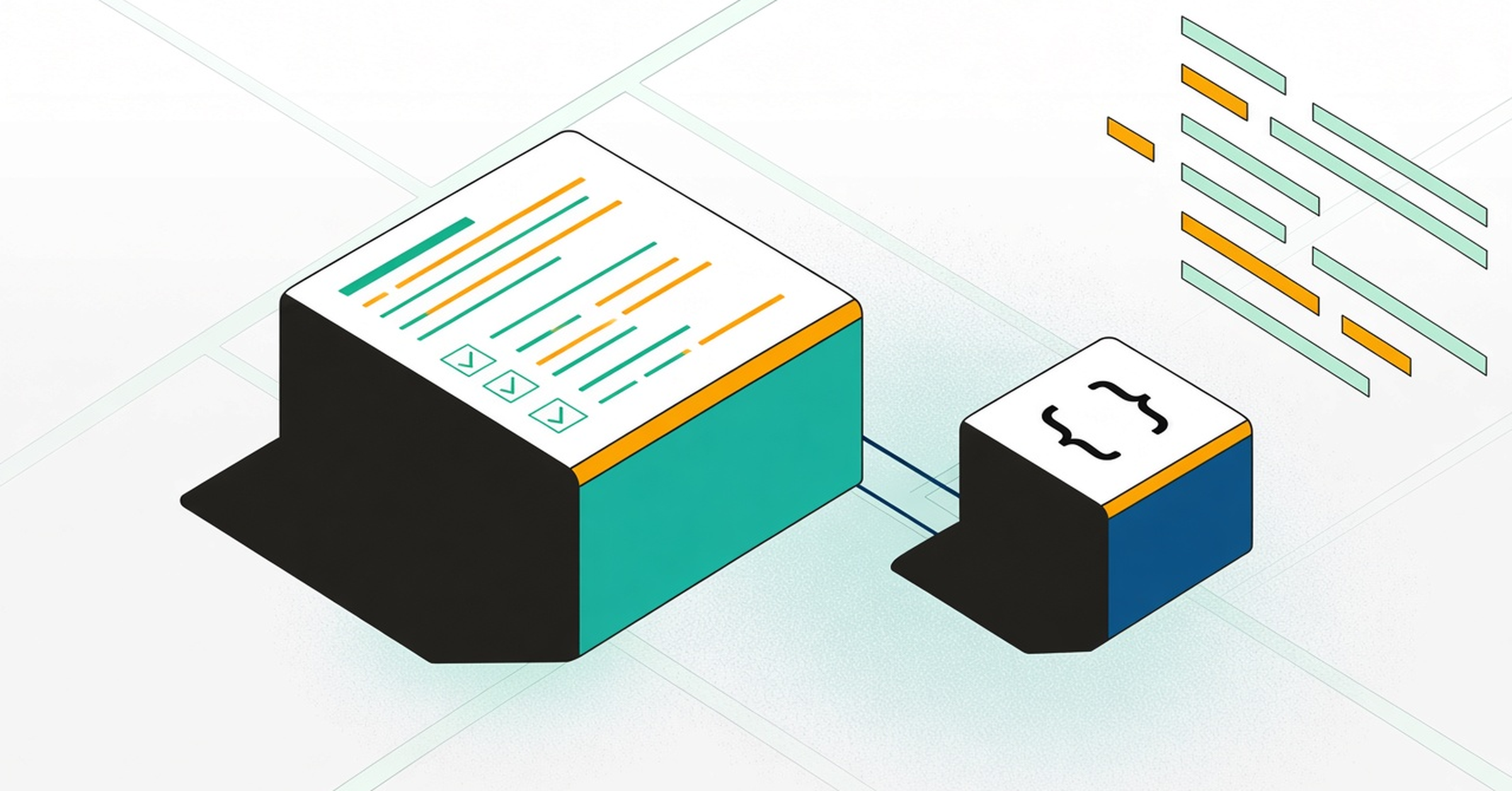
Illustration of a rules file with a checklist, read by a coding agent block.

CLAUDE.md and AGENTS.md are plain Markdown files that AI coding agents read at the start of a session. CLAUDE.md is read by Claude Code. AGENTS.md is a shared convention read by Codex, Cursor and other agents. If you use more than one agent, keep one file and point the other to it, so the rules don't drift apart.

Most examples are written for app repos. Repos whose code reads or writes shared tables need two more things: rules for how data changes are made, and a step that checks who depends on the data before the agent changes it. That applies to a dbt or Spark project as much as to a Python, Java or TypeScript service that writes to a shared database.

What belongs in the file

  • How to build and test. The exact commands, so the agent doesn't guess.
  • Conventions. Naming, shared types, where SQL lives, generated files never to edit.
  • Data change rules. How to add, rename or drop columns, and how to change values safely.
  • When to check impact. The moments the agent has to look outside the repo.
  • What needs a human. Changes the agent mustn't merge alone.

What doesn't belong

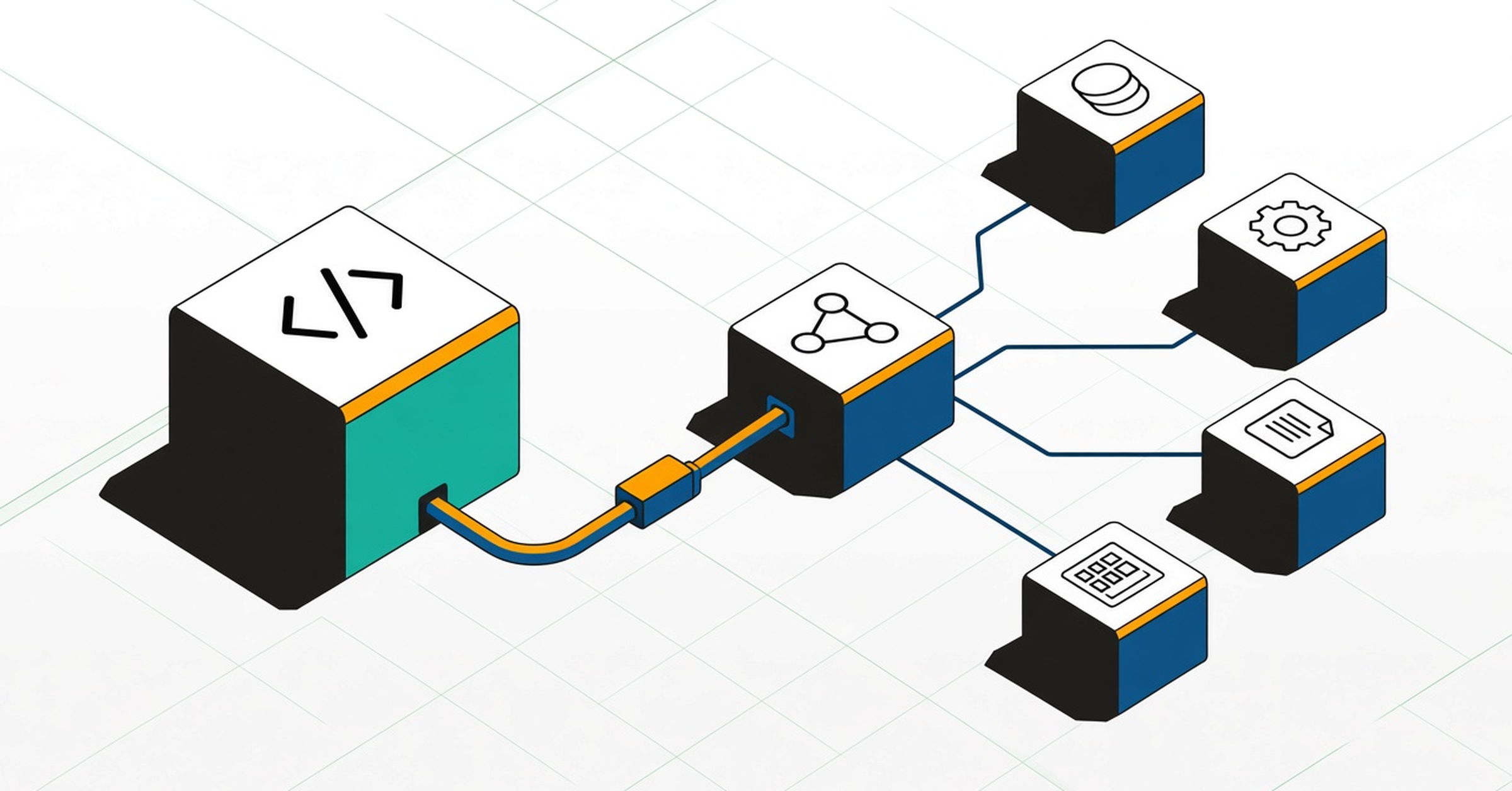
Don't paste lists of downstream consumers, table owners or dashboards. They live in other teams' repos and change every quarter, so a list in the file goes stale and the agent will trust it anyway. Tell the agent when to look it up, and give it a tool that returns the current answer. Here's how to connect one over MCP, and why that context matters.

Template

# AGENTS.md

## Build and test
- Install: <command>
- Unit tests: <command>
- Integration tests (run before opening a PR): <command>

## Conventions
- SQL lives in <path>. Use <style guide>.
- Never edit generated files in <path>.
- Use the shared <type> for money and timestamps.

## Changing tables, columns or datasets
- Add new columns instead of changing the type or meaning of existing ones.
- Treat a change to the values a column holds like a schema change.
- Renames and drops need a migration plan in the PR description.

## Changes other systems may depend on
Before renaming, dropping or changing the type or values of a table, column or dataset:
1. Use the Foundational MCP tools to list everything that reads or writes it, in any repo or language, and who owns it.
2. Summarize that list in the pull request description.
3. If anything outside this repo depends on it, flag it and wait for a human review.

## Needs a human
- Any change flagged in step 3 above.
- Deleting tables or datasets.

If you don't use Foundational, keep step 1 and point it at whatever tool your team uses to find dependents. Don't leave the step out.

Variations by repo type

  • dbt projects: add your model naming and test rules. The dbt MCP server covers the project itself. The impact step covers what reads your models outside dbt.
  • Spark and Airflow repos: note where table names come from config, so the agent knows a search won't find them.
  • Application services in Python, Java or TypeScript: list the tables the service writes, and require the impact step for any change to the persistence layer.

FAQ

CLAUDE.md or AGENTS.md?

Use AGENTS.md as the main file if more than one agent works in the repo, and have CLAUDE.md point to it.

How long should the file be?

Short enough to read in a minute. Agents follow concise rules more reliably than long ones.

Does the file guarantee the agent checks impact?

No. It raises the odds. Keep impact analysis on the pull request as a second check. See impact analysis.

code snippet <goes here>
<style>.horizontal-trigger {height: calc(100% - 100vh);}</style>
<script src="https://cdnjs.cloudflare.com/ajax/libs/gsap/3.8.0/gsap.min.js"></script>
<script src="https://cdnjs.cloudflare.com/ajax/libs/gsap/3.8.0/ScrollTrigger.min.js"></script>
<script>
// © Code by T.RICKS, https://www.timothyricks.com/
// Copyright 2021, T.RICKS, All rights reserved.
// You have the license to use this code in your projects but not to redistribute it to others
gsap.registerPlugin(ScrollTrigger);
let horizontalItem = $(".horizontal-item");
let horizontalSection = $(".horizontal-section");
let moveDistance;
function calculateScroll() {
 // Desktop
 let itemsInView = 3;
 let scrollSpeed = 1.2;  if (window.matchMedia("(max-width: 479px)").matches) {
   // Mobile Portrait
   itemsInView = 1;
   scrollSpeed = 1.2;
 } else if (window.matchMedia("(max-width: 767px)").matches) {
   // Mobile Landscape
   itemsInView = 1;
   scrollSpeed = 1.2;
 } else if (window.matchMedia("(max-width: 991px)").matches) {
   // Tablet
   itemsInView = 2;
   scrollSpeed = 1.2;
 }
 let moveAmount = horizontalItem.length - itemsInView;
 let minHeight =
   scrollSpeed * horizontalItem.outerWidth() * horizontalItem.length;
 if (moveAmount <= 0) {
   moveAmount = 0;
   minHeight = 0;
   // horizontalSection.css('height', '100vh');
 } else {
   horizontalSection.css("height", "200vh");
 }
 moveDistance = horizontalItem.outerWidth() * moveAmount;
 horizontalSection.css("min-height", minHeight + "px");
}
calculateScroll();
window.onresize = function () {
 calculateScroll();
};let tl = gsap.timeline({
 scrollTrigger: {
   trigger: ".horizontal-trigger",
   // trigger element - viewport
   start: "top top",
   end: "bottom top",
   invalidateOnRefresh: true,
   scrub: 1
 }
});
tl.to(".horizontal-section .list", {
 x: () => -moveDistance,
 duration: 1
});
</script>
Share this post
Subscribe to our Newsletter
Get the latest from our team delivered to your inbox
Thank you! Your submission has been received!
Oops! Something went wrong while submitting the form.
Ready to get started?
Try It Free

Governance that starts at the source.