Table of Content

Subscribe to our Newsletter
Get the latest from our team delivered to your inbox
Thank you! Your submission has been received!
Oops! Something went wrong while submitting the form.
Ready to get started?
Try It Free
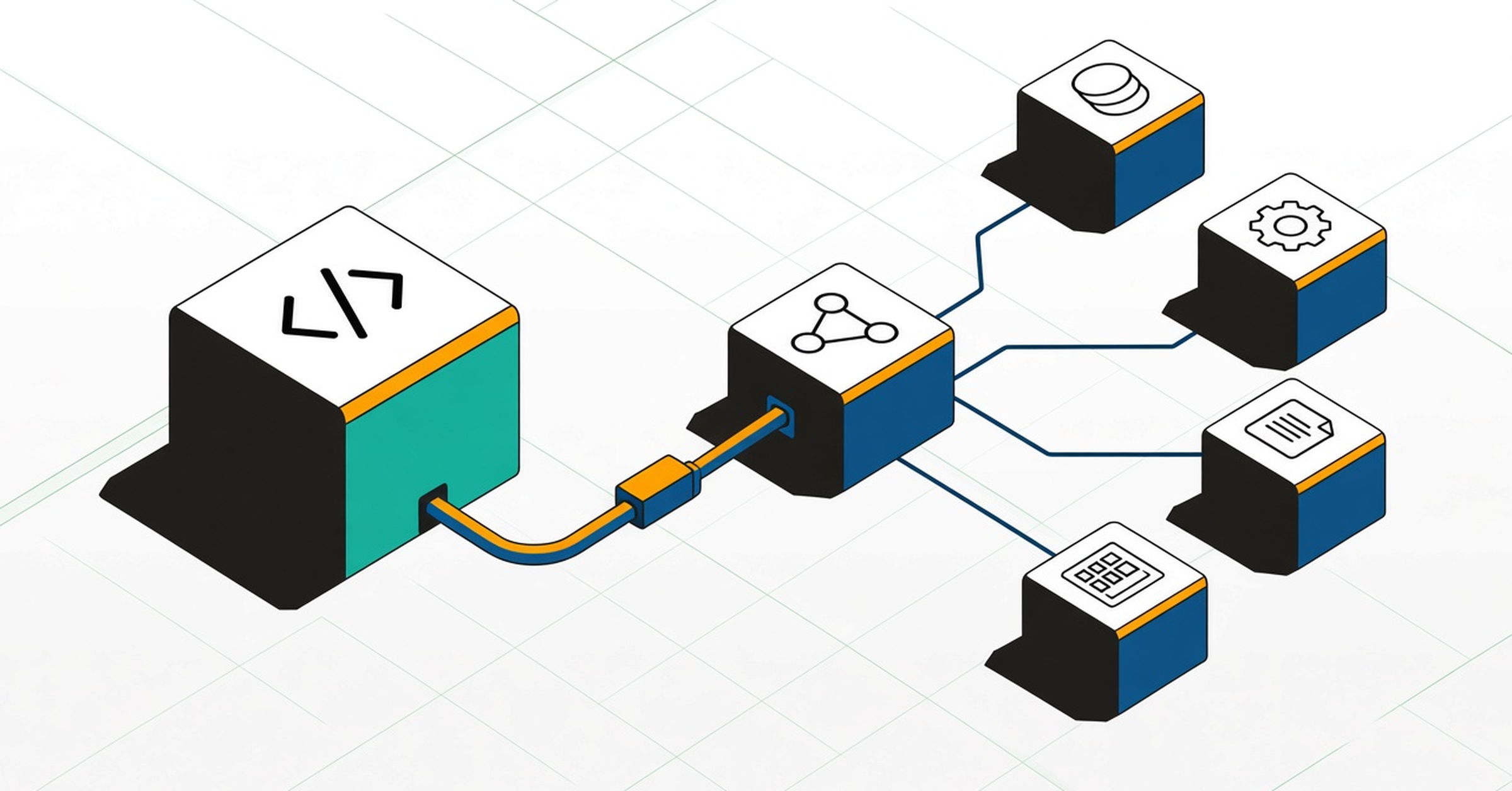
Coding agents are good at the repository they're working in. What they can't see is everything outside it: the job in another repo that reads the table they're changing, the dashboard that filters on a column value, the COBOL batch that reads the same Db2 column. Foundational Context of Code and Data gives the agent that view over MCP, so it can ask what depends on a table, column or dataset before it edits.
This guide covers what the agent can ask, a rules-file snippet that makes it ask at the right moment, and how it fits next to the dbt MCP server. The exact setup steps for each tool live in our help center. For the background, read what AI coding agents can't see, and the context that fixes it.
Foundational analyzes source code across your repositories and languages, including Python, Java, Scala, TypeScript, Go, SQL, mainframe code such as COBOL and JCL, and tools like dbt and Spark. Over MCP, the agent can query:
The MCP server returns lineage and definitions, never table contents. It only shows what your Foundational account can already see.
Ask these in Claude Code, Cursor, Codex, GitHub Copilot or Devin, in the middle of a task:
The same questions work whether the code is a Java service, a PySpark job, a dbt model or a COBOL program.
An agent only calls a tool when it thinks it should. Add a short rule to CLAUDE.md, AGENTS.md or your Cursor rules so it checks before risky edits:
## Changes other systems may depend on
Before renaming, dropping or changing the type or values of a table, column or dataset:
1. Use the Foundational MCP tools to list everything that reads or writes it, in any repo or language, and who owns it.
2. Summarize that list in the pull request description.
3. If anything outside this repo depends on it, flag it and wait for a human review.Foundational runs as a hosted MCP server at https://mcp.foundational.io/mcp, over Streamable HTTP. For interactive use there's no API key: after you add the server, your tool sends you to Foundational to sign in. You need a user account in the Foundational app.
Step-by-step setup for Claude Code, Cursor, Codex, GitHub Copilot, Devin and other MCP clients is in the help center: Use Foundational MCP with your AI tools.
The dbt MCP server gives the agent your dbt project: models, tests and the DAG. Foundational Context of Code and Data covers what sits around it: the application code that writes the source tables, Spark jobs, mainframe programs and the BI tools that read the results. Teams that use dbt can run both, with dbt for project work and Foundational for impact outside the project.
A rule raises the odds the agent checks first, but it's not a guarantee. Impact analysis on the pull request shows the reviewer the downstream jobs, services and dashboards a change affects, whether a person or an agent wrote it. See impact analysis.
Claude Code, Cursor, OpenAI Codex, GitHub Copilot and Devin, plus other MCP clients listed in the help center.
Not for interactive use. Your tool sends you to Foundational to sign in. API tokens are for headless and CI setups; see the help center.
No. The server returns lineage and definitions, never table contents. Foundational needs read-only access to source code, and its warehouse connections read metadata only. Foundational is SOC 2 Type II certified.
No. They cover different ground and work side by side.
Book a demo to see it on your own code.